Winter storms, ice and high winds bring power cuts to a lot of U.S. homes every year. For pet owners the question is simple: will dinner still happen? A little preparation now means your pet eats on time even when the lights go out, and you know exactly what works and what doesn’t.
The quick answer
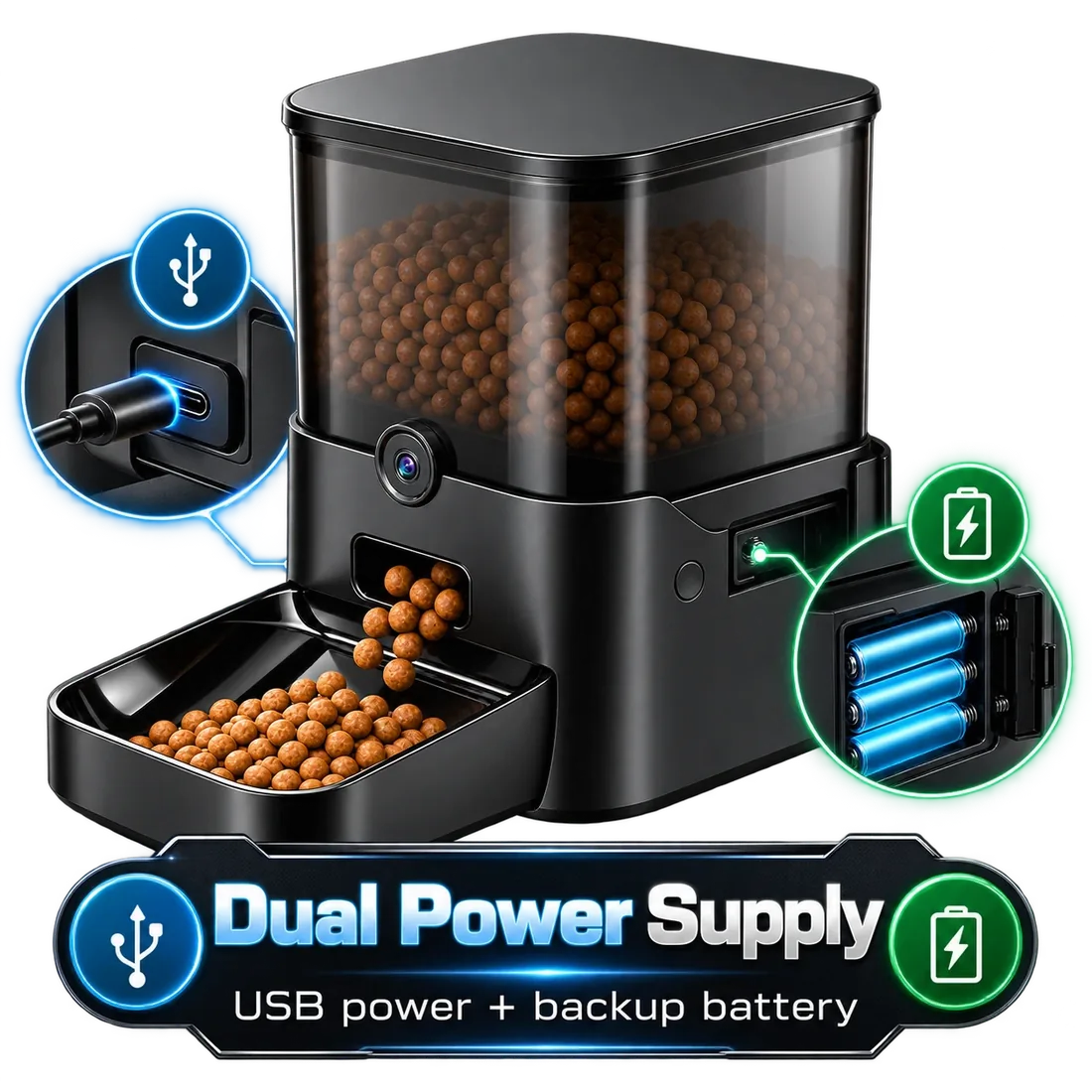
Keep at least a week of your pet’s food and water stored, install backup batteries in your feeder if it supports them, and test it with the power off before a storm. On battery, Twin, Ranger and Titan keep dispensing meals while the camera and app pause; Keeper needs plug-in power.
Start with the basics: food and water
Before thinking about gadgets, make sure you have enough of your pet’s regular food and plenty of drinking water. Keep spare kibble sealed in its original bag inside an airtight container, and rotate it so it doesn’t go stale. Store water for your pets alongside your household’s emergency supply.
Write down your pet’s daily amount and meal times and keep it with your emergency kit, so anyone in the household can feed them by hand if needed.
How automatic feeders behave in a power cut
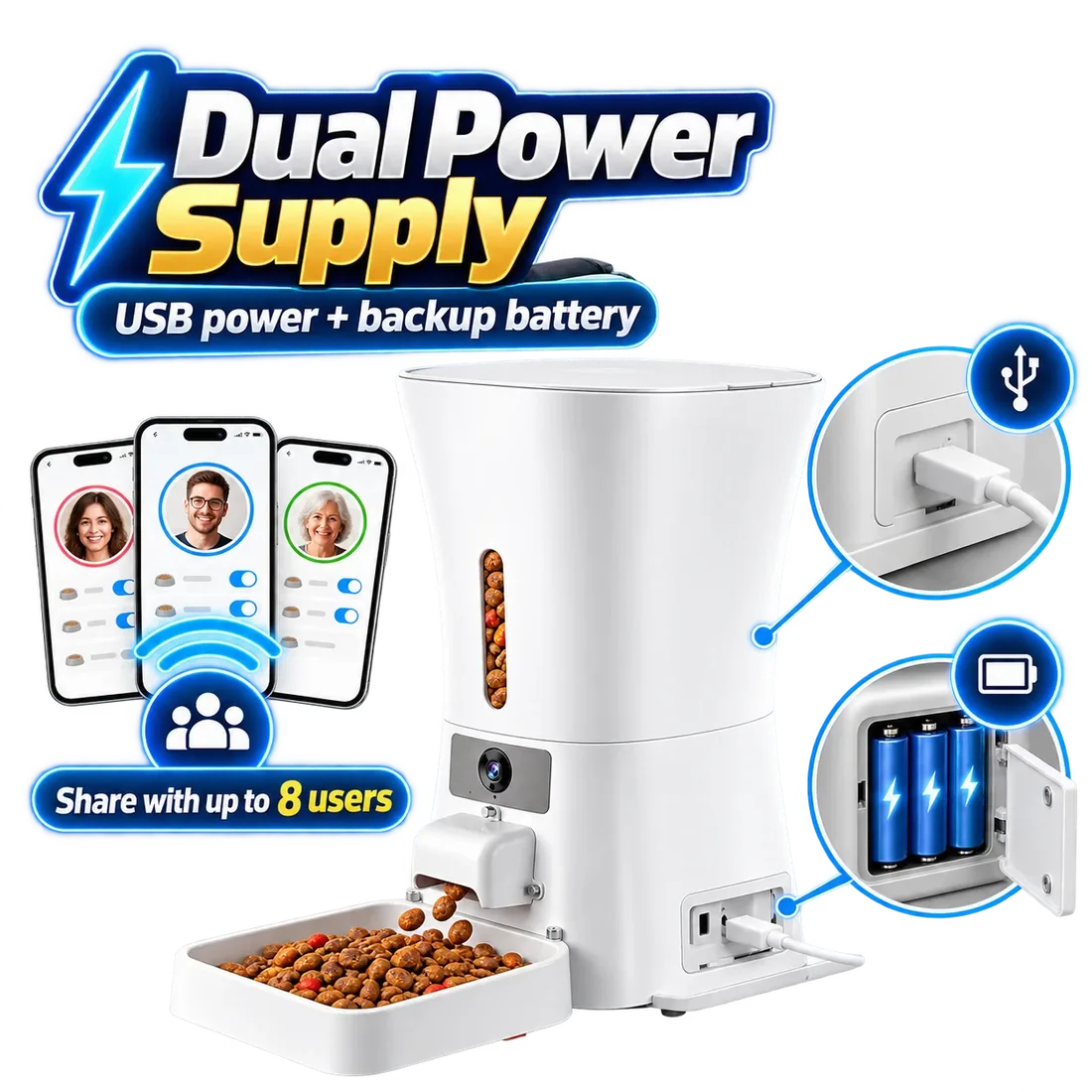
A feeder needs power to turn its dispenser. Without a battery backup, it stops until the power returns. With batteries installed, Parveja Twin and Titan keep feeding on schedule, and Ranger does too with a battery in its backup port. Batteries aren’t included, so fit them before storm season.
| Feeder | Backup | During a power cut |
|---|---|---|
| Twin | 3 × D batteries (not included) | Keeps feeding; camera and app pause |
| Keeper | None | Stops until power returns |
| Ranger | Backup battery port (battery sold separately) | Feeding only; camera and app pause |
| Titan | 3 × D batteries (not included) | Keeps feeding; camera and app pause |
Test it before the storm
- Fit fresh batteries
Install backup batteries if your model supports them.
- Schedule a small meal
Set a test meal a few minutes from now.
- Unplug the feeder
Disconnect main power and wait for the meal.
- Check the bowl
Confirm the right portion landed.
- Plug back in
Make sure the app reconnects and shows your schedule.
Wi-Fi outages are different
Even when the power stays on, storms can take down internet service. Then live video, alerts and remote Feed now pause until the connection returns. Read our guide on what happens in a power or Wi-Fi outage and test your own setup by switching off the router before a small test meal.
If you’re away when a storm hits
If you travel in winter, make sure your pet sitter knows how to feed by hand and where the spare food is. Ask them to check in after any outage, because a person can spot problems a feeder can’t, like a cold room or a frightened pet hiding under the bed.
Keep pets warm and calm
Outages often mean a colder house. Give pets a cozy spot away from drafts, extra bedding and a quiet space if storms make them anxious. Never use generators or fuel heaters indoors; they’re a danger to people and pets alike.
Which Parveja feeder fits?
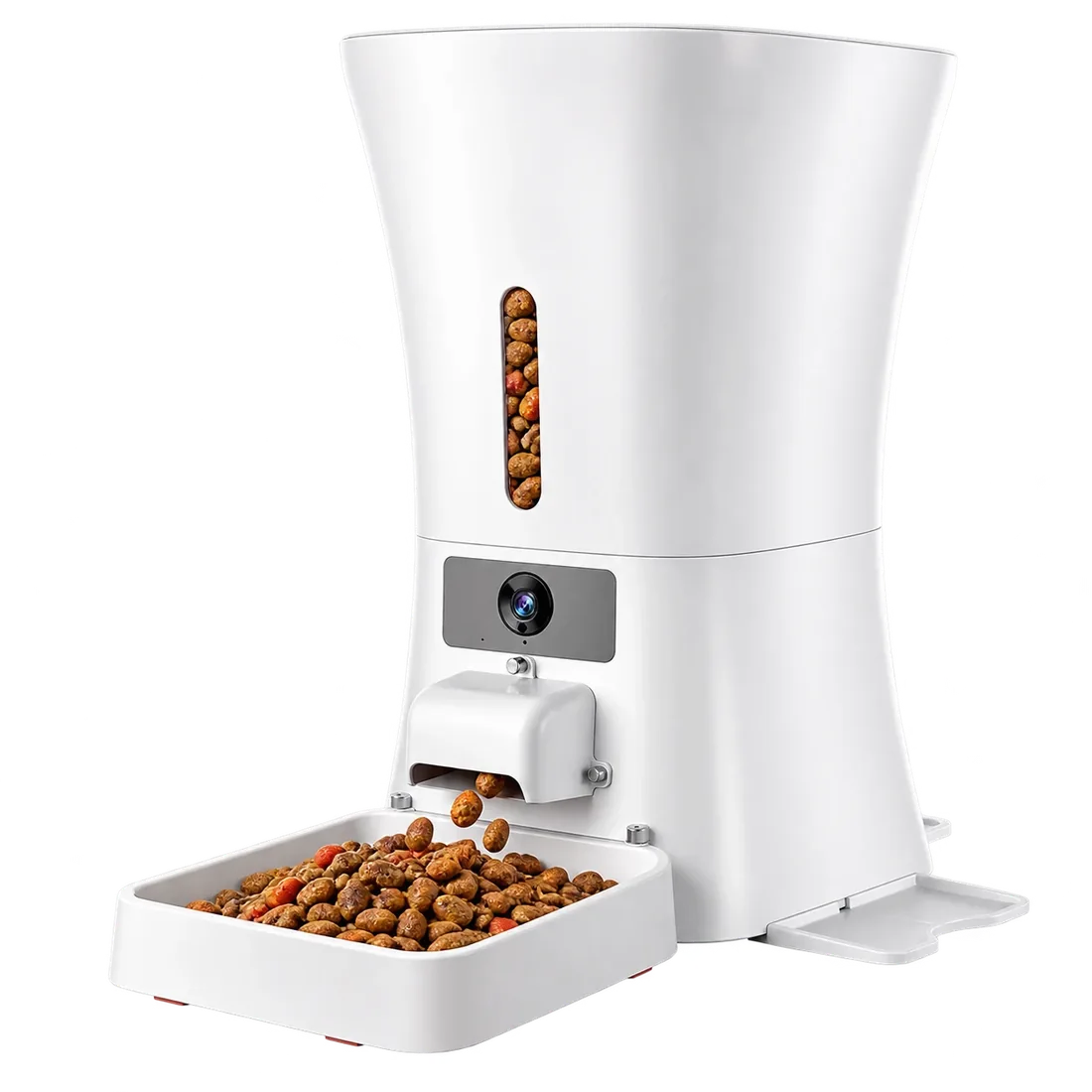 Titan · 12L · $44912L (about 50 cups), two-way audio, motion and low-food alerts, D-battery backup. $449.→
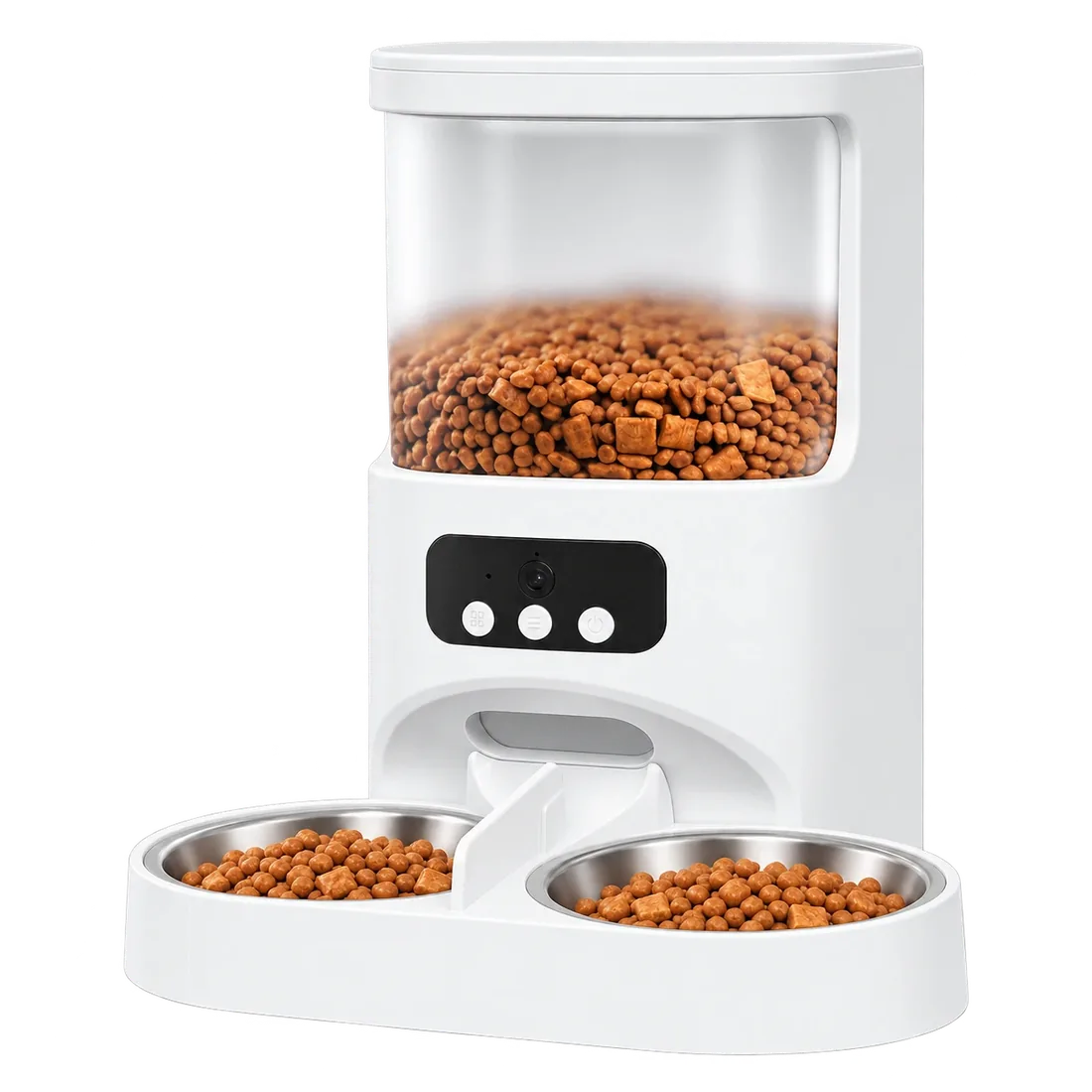 Twin · 4L · $199Two stainless-steel bowls for two cats, up to 8 meals a day and a 1080p night-vision camera. $199.→
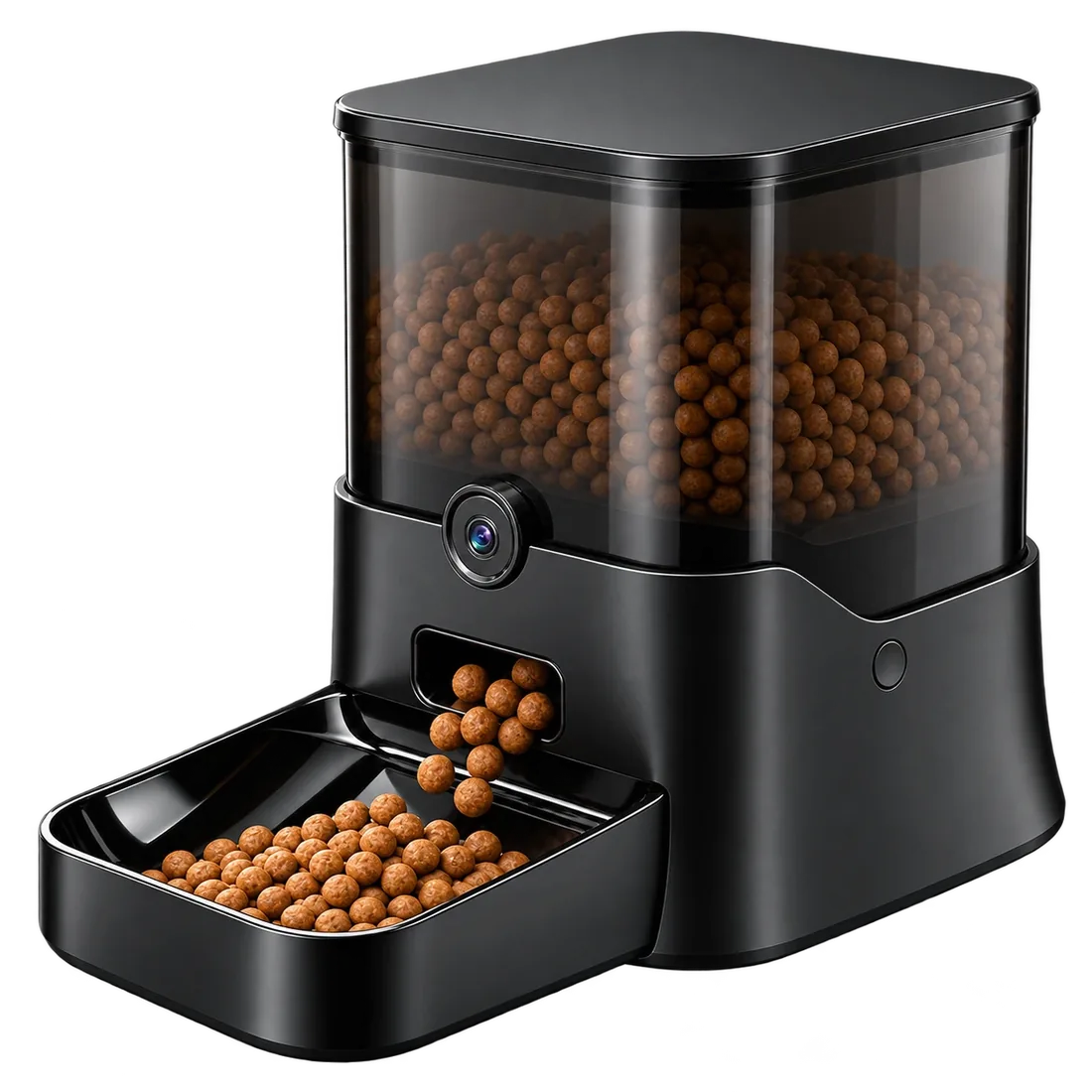 Ranger · 11L · $39911L sealed tank, ultra-wide 1080p night-vision camera and a backup battery port. $399.→
Not sure yet? Compare all four feeders side by side.