How automatic pet feeders work
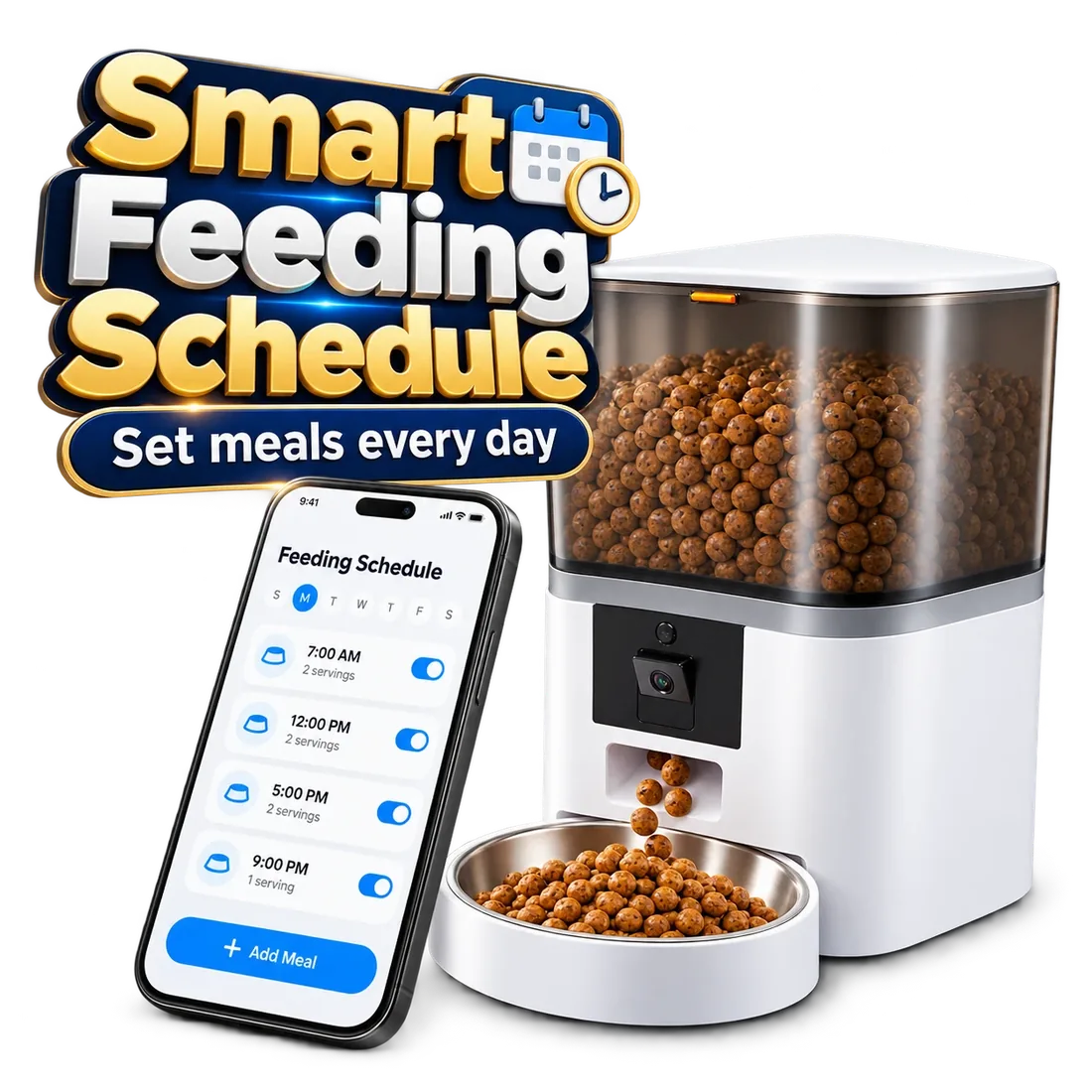
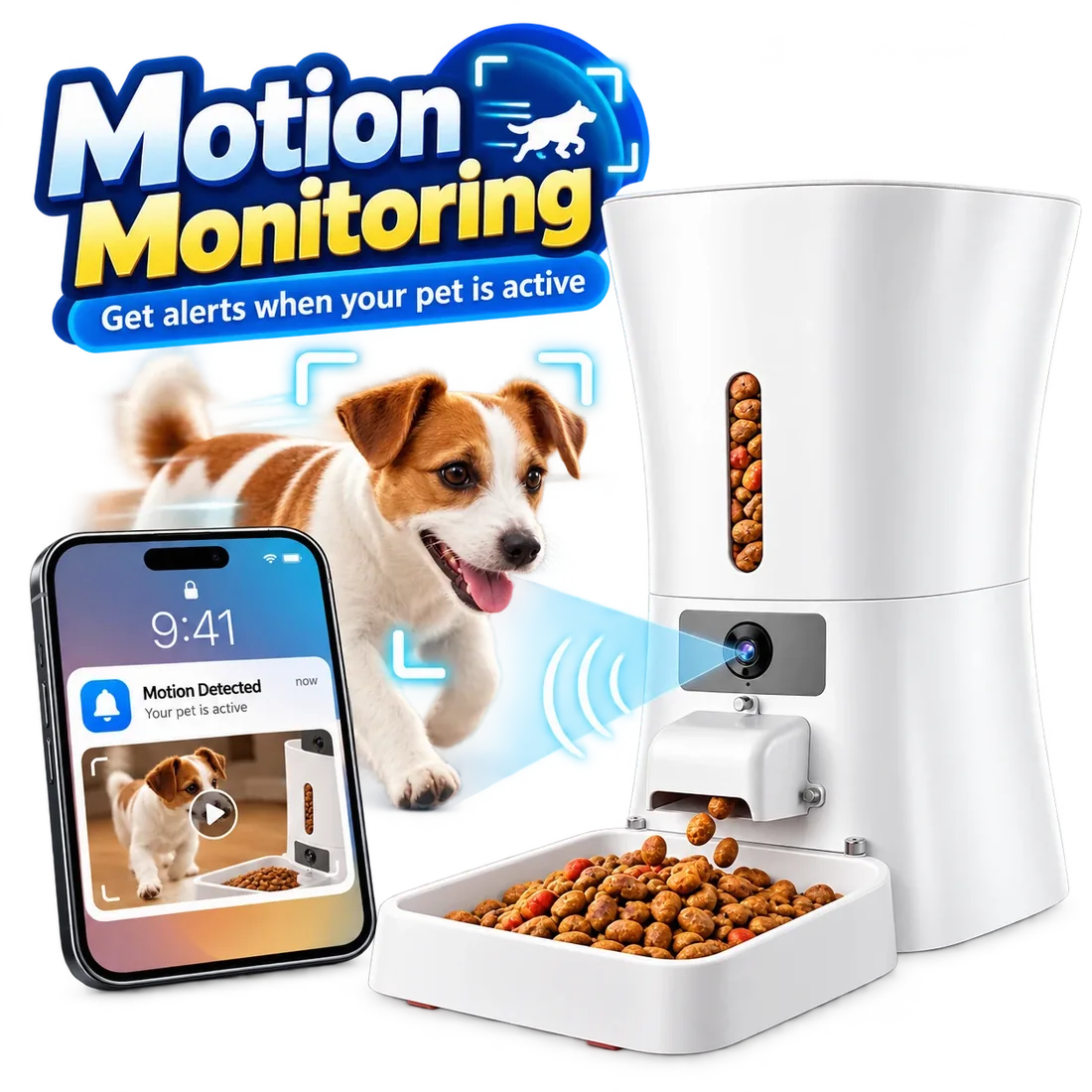
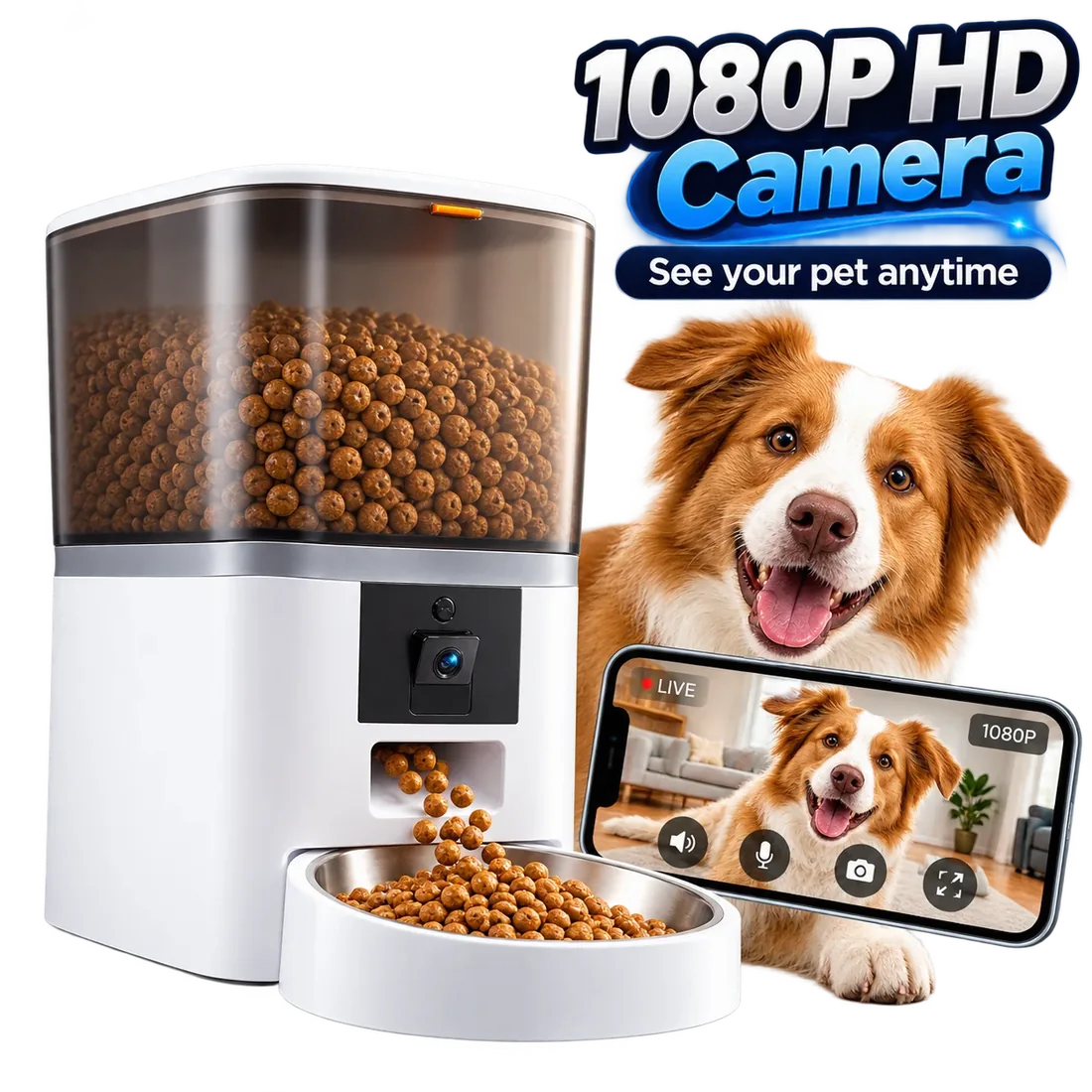
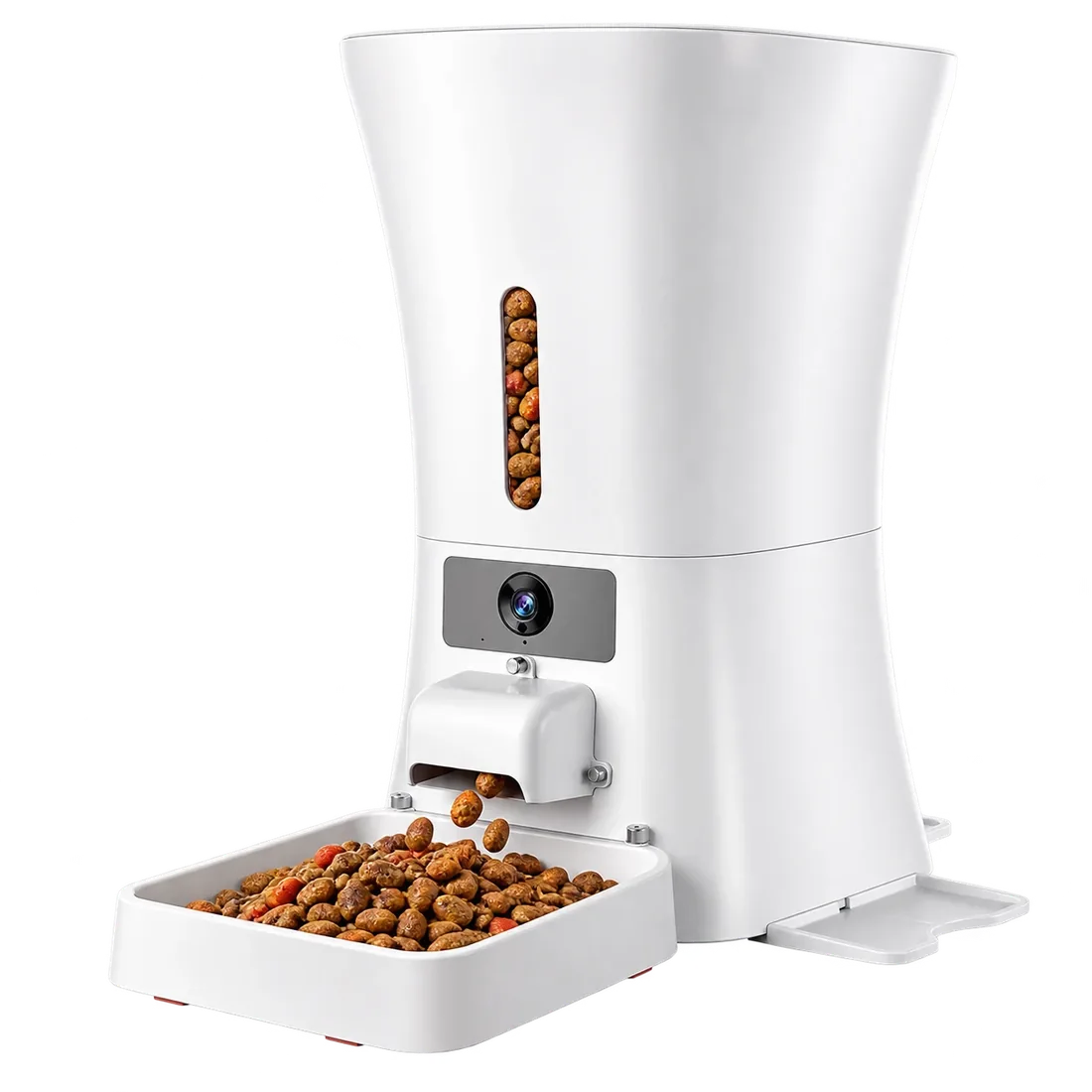
An automatic pet feeder helps organize scheduled meals with app control and portion control. All four Parveja models support app-based feeding schedules and include a 1080p camera with night vision for check-ins. Start with dry food and your model’s setup guide.
A little planning.
A lovely everyday.
 01 / 04
Make a little space.
Place your feeder on a stable surface and follow the supplied guide to connect the power.
Make it yours.
Pair with the companion app and set feeding times and portions for your pet.
Let dinner happen.
Scheduled meals fit into your day, and alerts tell you when your pet comes to eat.
Stay close.
Every Parveja feeder has a camera, so you can check in any time. Keep refills and regular cleaning part of the routine.
Room to grow
From 4L to 12L.
Start with their food.
Then find their feeder.
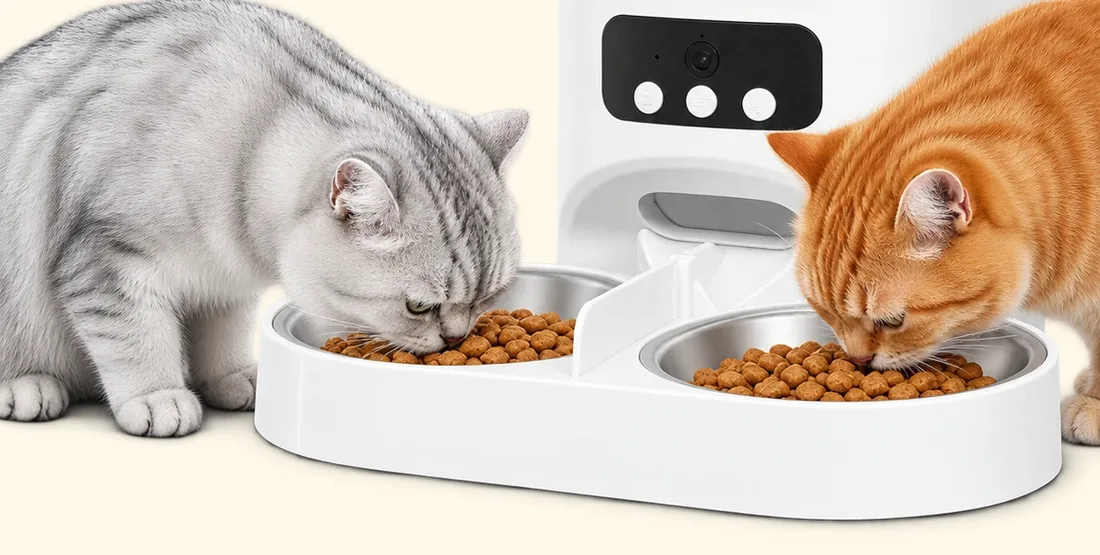
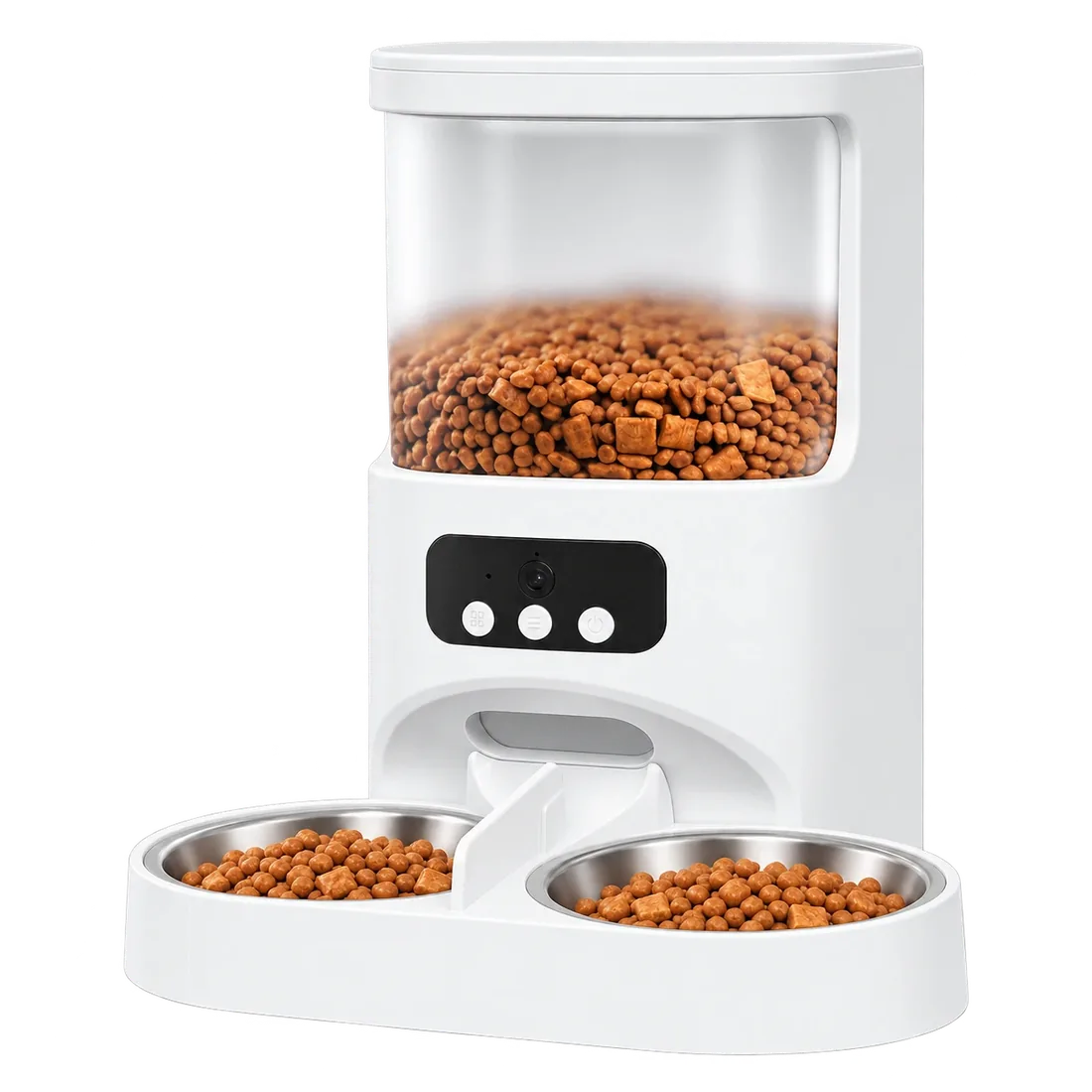
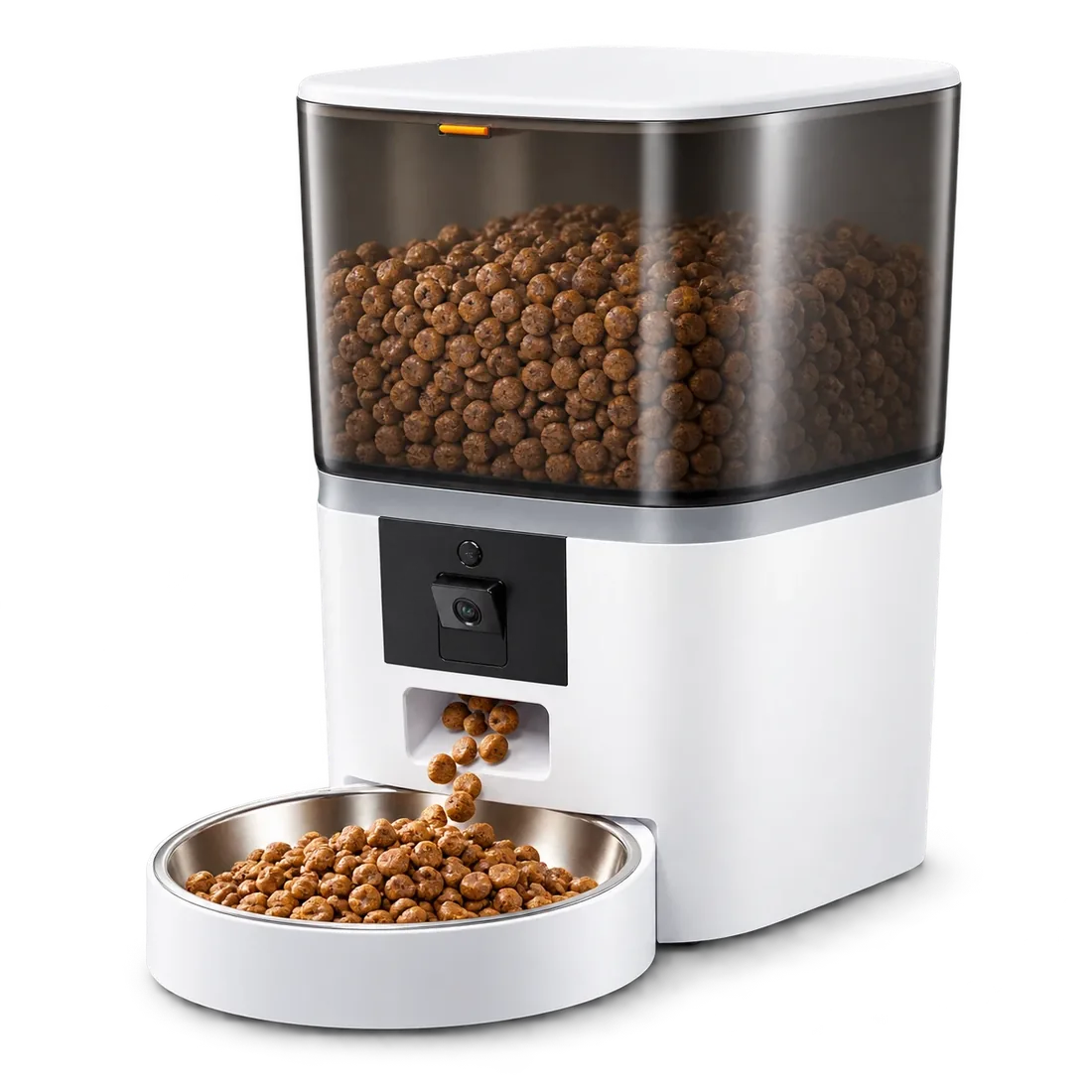
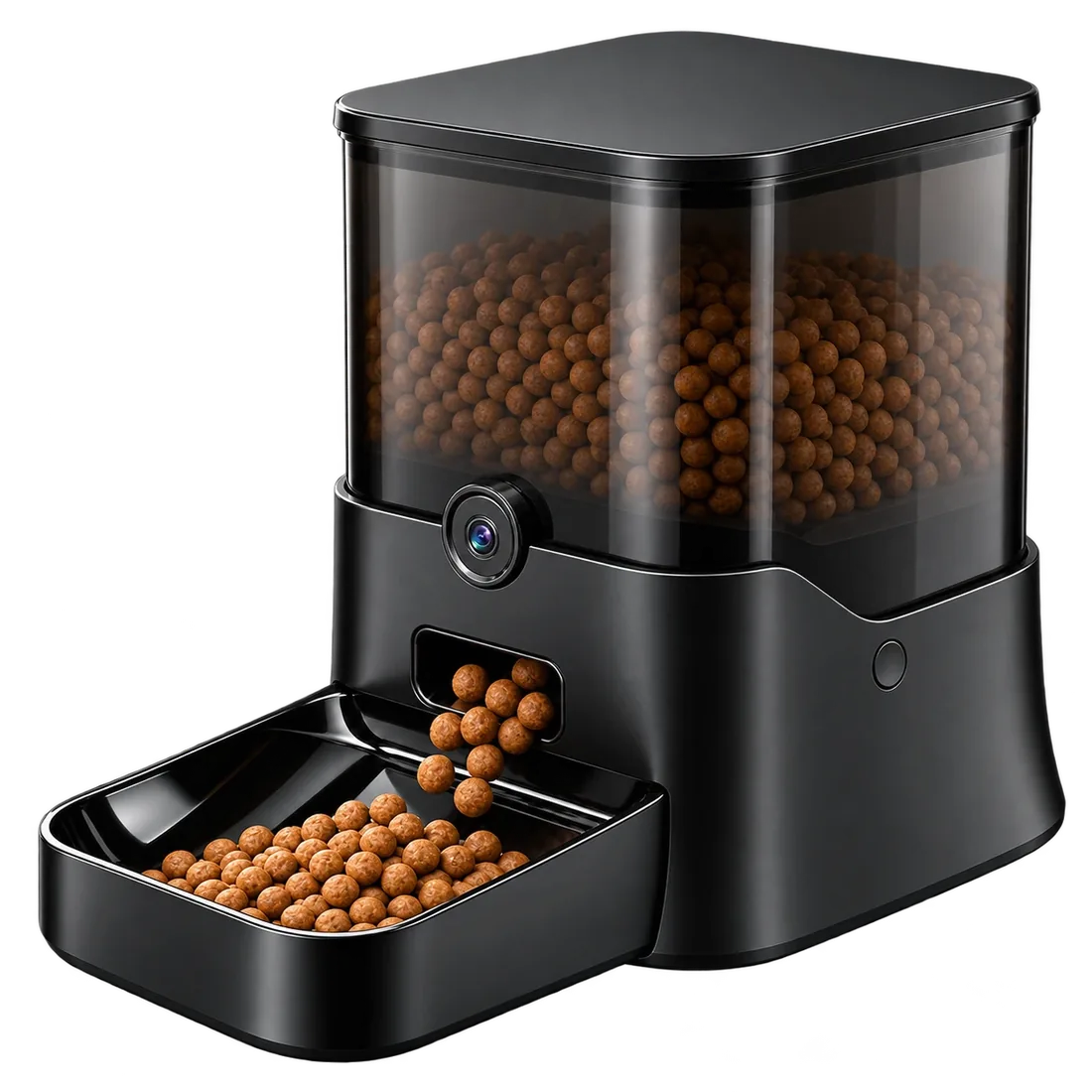
All four feeders are made for dry kibble. Feeding two cats? Meet Twin, with two bowls. Want voice control with Alexa or Google Home? Choose Keeper. For a big dog, Ranger holds 11L, and Titan holds about 50 cups.
Use your model’s supplied instructions for pairing, power, setup and cleaning. Automatic feeding supports care—it does not replace checking in on your pet.