The quick answer
Test the feeder on its real schedule for several days before you leave, confirm Wi-Fi and backup power, fill it with fresh food, leave plenty of water and arrange a person to check in at least once a day. Use a camera feeder or app alerts to confirm meals while you’re gone.
One to two weeks before you leave
Give yourself time to fix anything that doesn’t work:
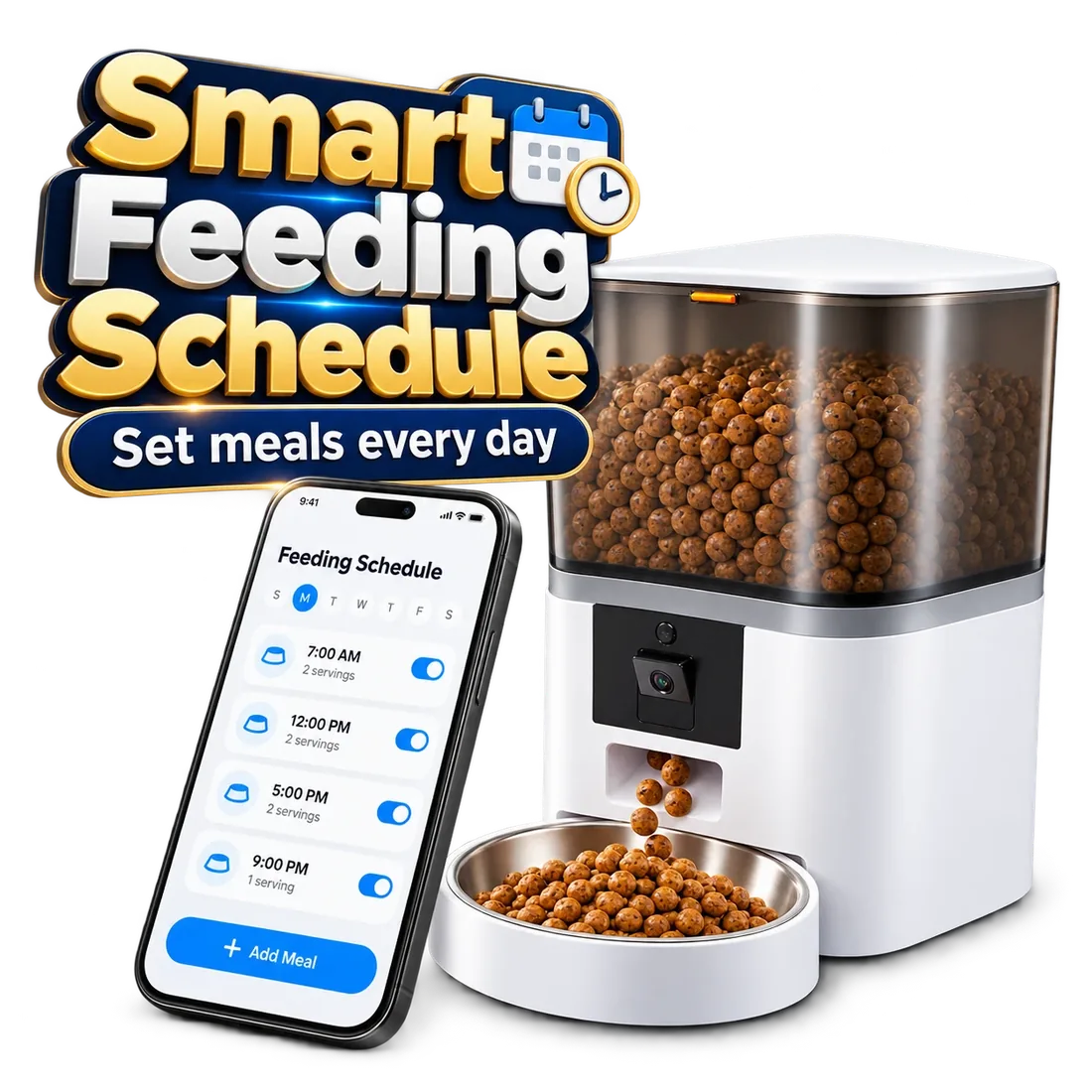
- Set up the feeder if it’s new, and run it on the exact schedule you’ll use while away.
- Watch your pet eat from it; some pets need a few days to get comfortable.
- Confirm your pet’s kibble flows smoothly without jams.
- Book a pet sitter, neighbor or friend to check in at least once a day.
Check Wi-Fi and the app
Remote features need a reliable connection. Ranger uses 2.4GHz Wi-Fi, while Twin and Titan also work on 5GHz. Keeper uses WiFi; confirm its supported band before ordering. Make sure the feeder stays connected in its final position and that you can open the app and see recent meals from outside your home network, for example over cellular data.
Plan for power cuts
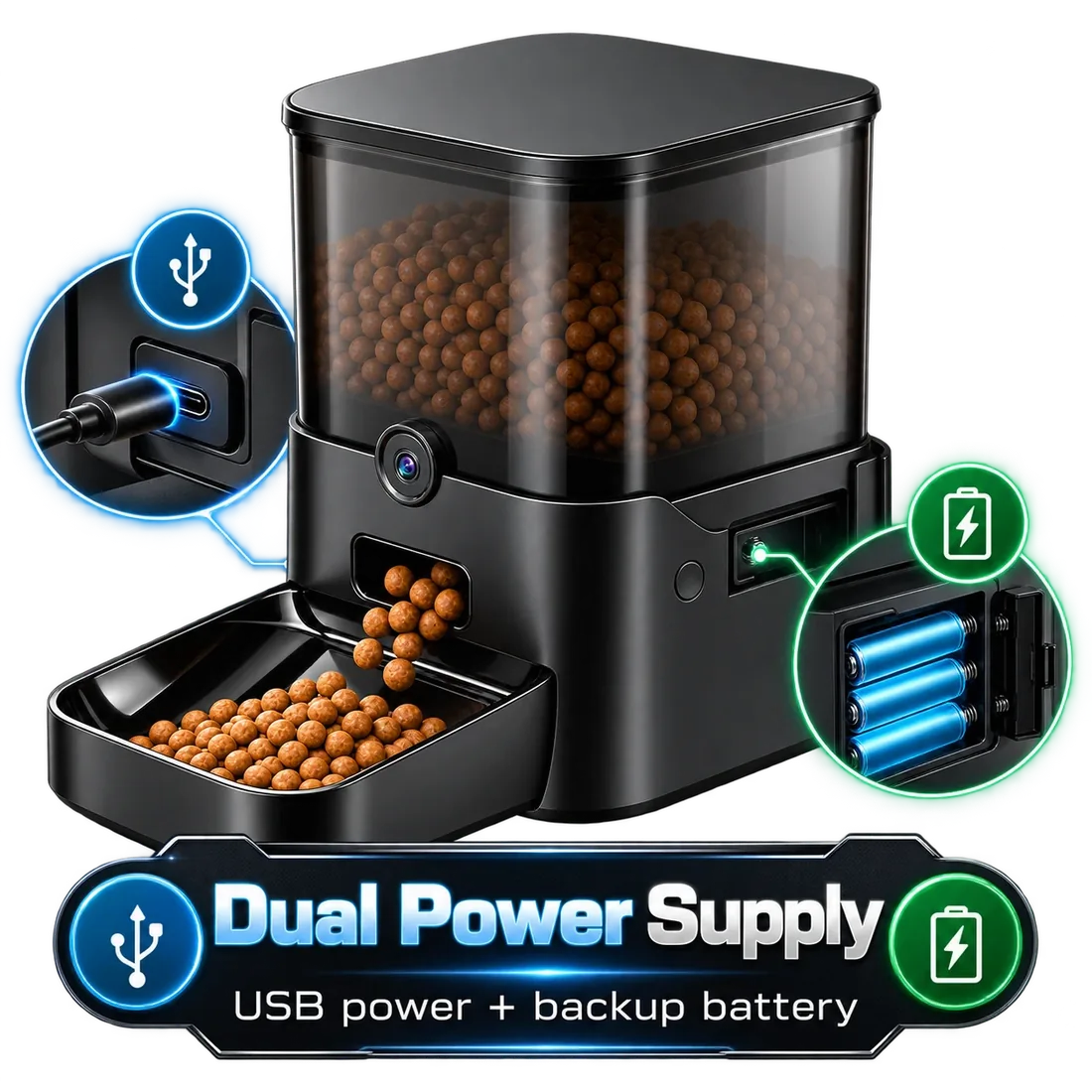
Install backup batteries if your model supports them; batteries are not included with Parveja feeders. Twin and Titan take 3 D batteries, and Ranger has a backup battery port. On battery power they keep feeding, but the camera and remote features need plug-in power.
The day before
Final preparations:
- Empty and clean the bowl, then refill the reservoir with fresh food.
- Check the lid or seal is closed properly.
- Confirm the schedule and portions in the app; don’t increase portions to ‘cover’ the trip.
- Set out plenty of fresh water, ideally in more than one bowl or place.
- Clean litter boxes.
Leave your sitter a note
Make it easy for whoever checks in:
- Your vet’s name, phone number and address.
- Your pet’s daily food amount and meal times.
- Where the spare food is and how to refill the feeder.
- What to do if the feeder stops working (feed by hand on the same schedule).
- Your phone number and travel dates.
While you’re away
Check the app daily. Every Parveja feeder lets you watch meals on a 1080p camera, including in low light with night vision. Twin, Keeper and Titan send motion alerts, and Titan warns you when food is running low. If anything looks wrong, ask your sitter to visit.
Which Parveja feeder fits?
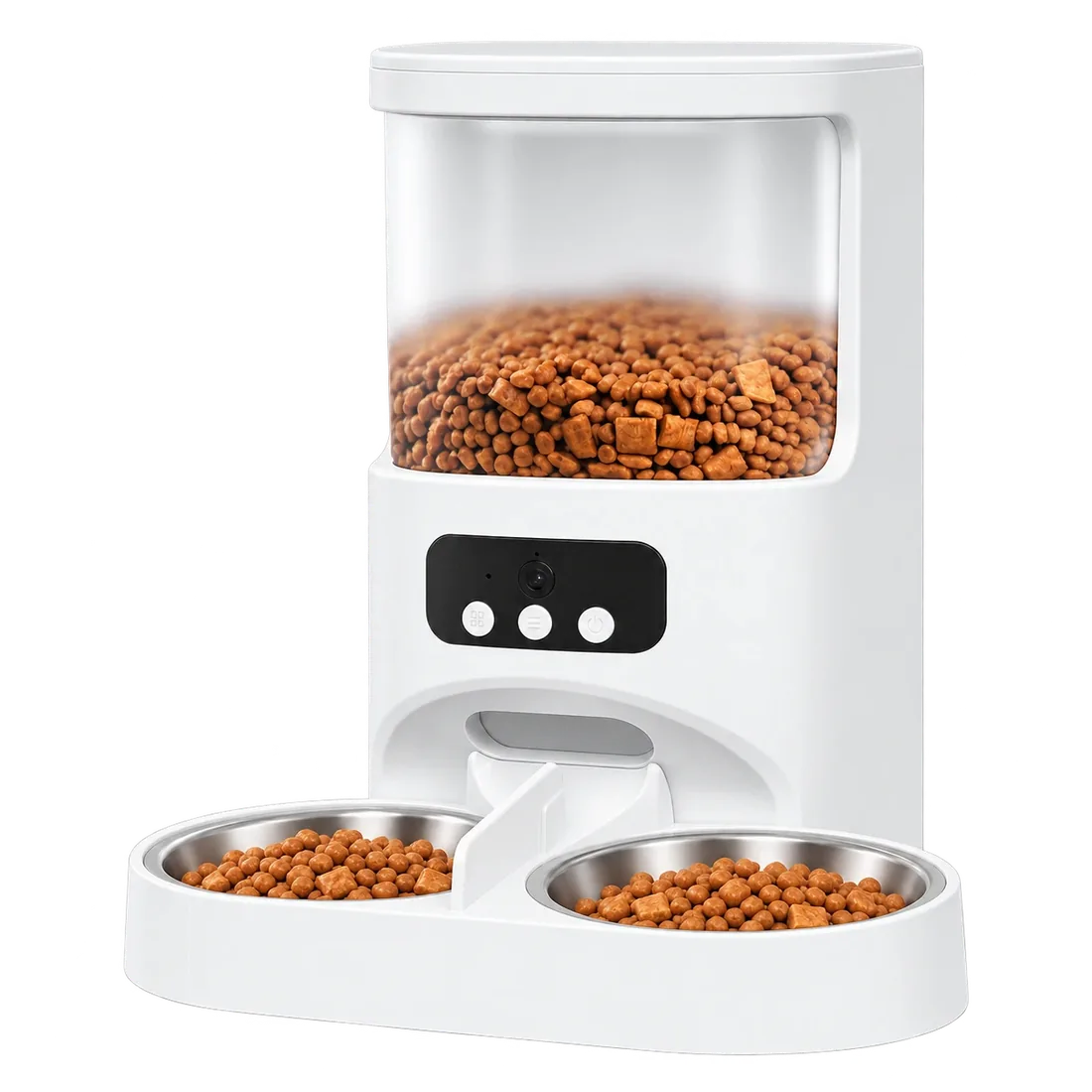
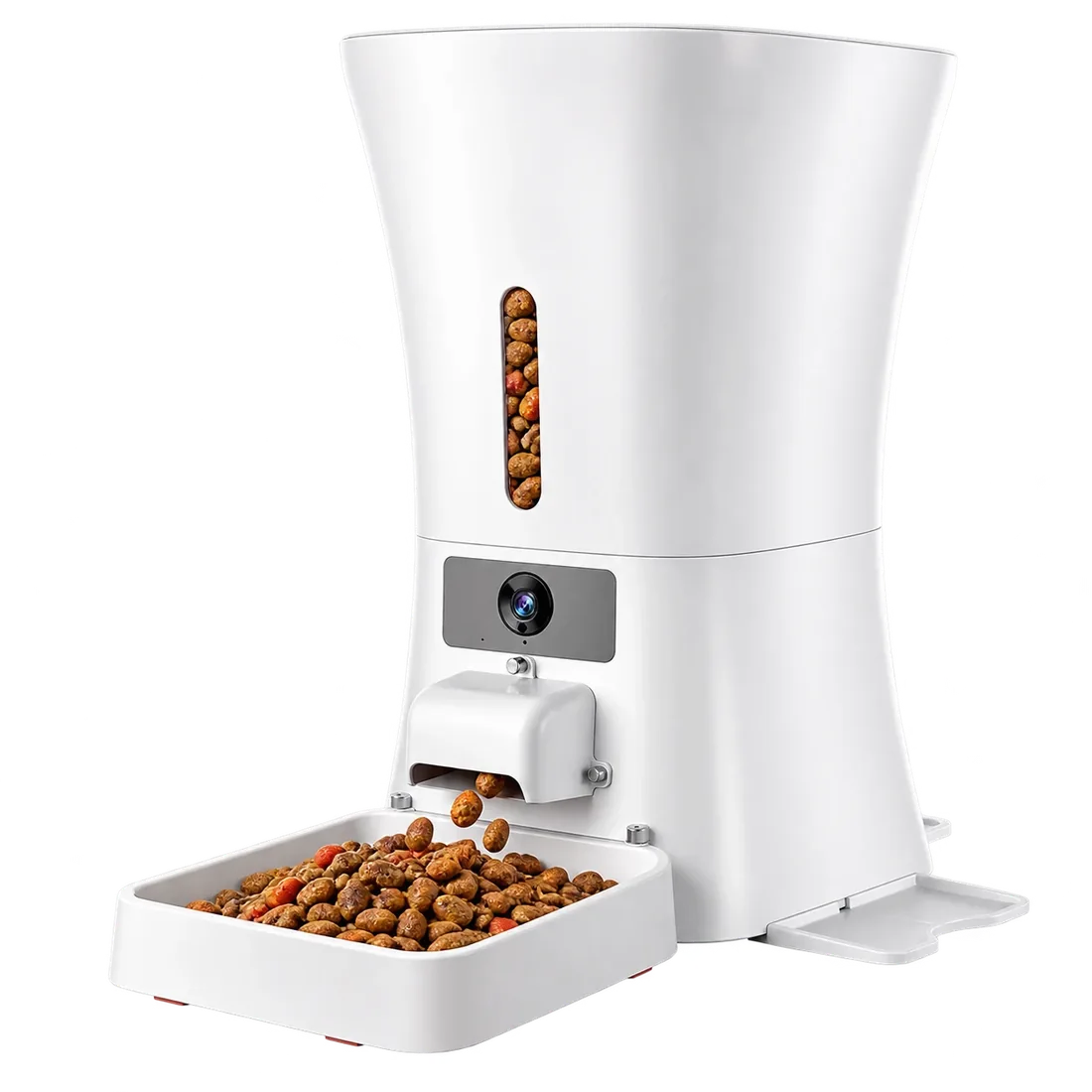 Titan · 12L · $44912L for long gaps between refills, with low-food alerts and a D-battery backup.→
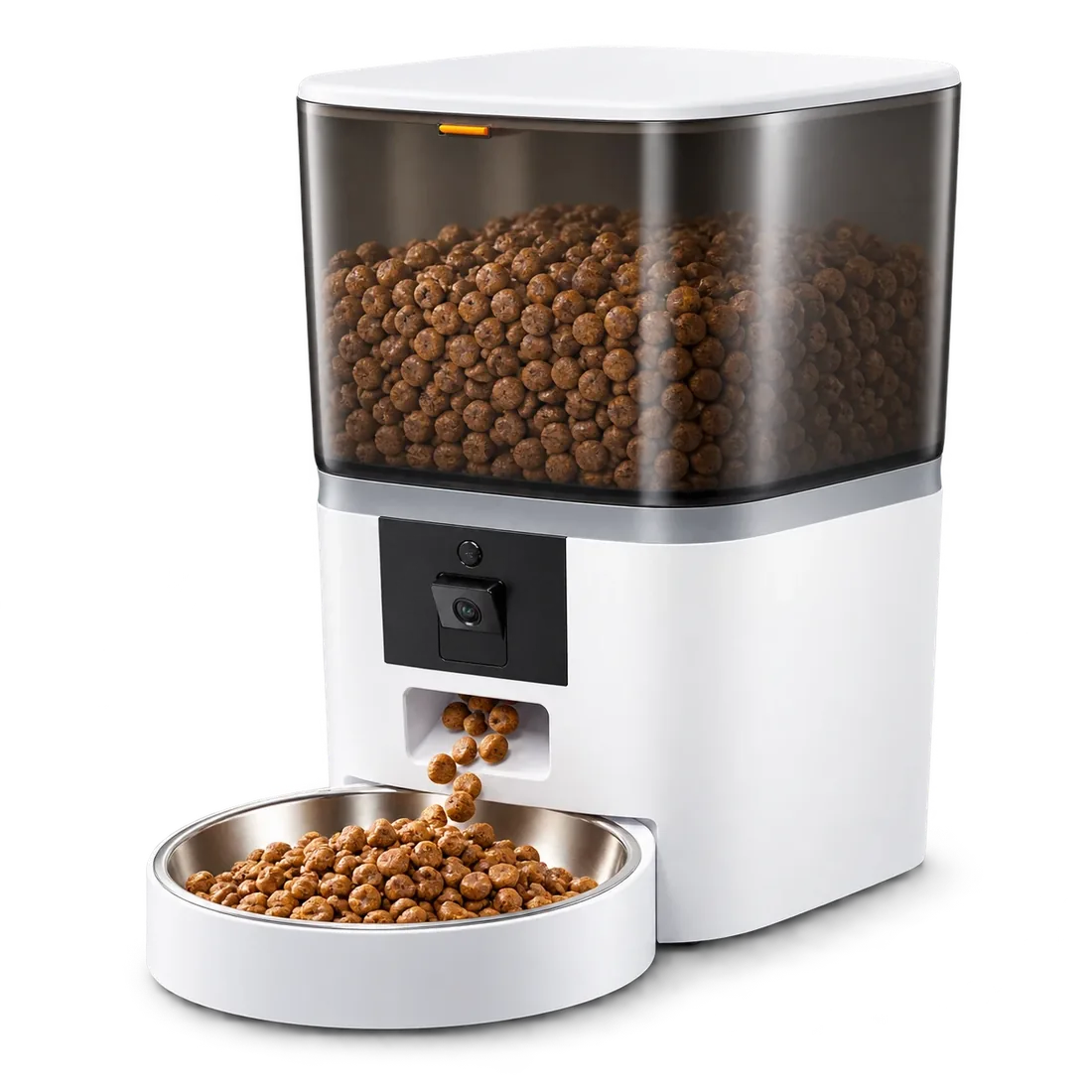 Keeper · 6L · $279Watch meals on a 1080p night-vision camera, with motion alerts and two-way audio.→
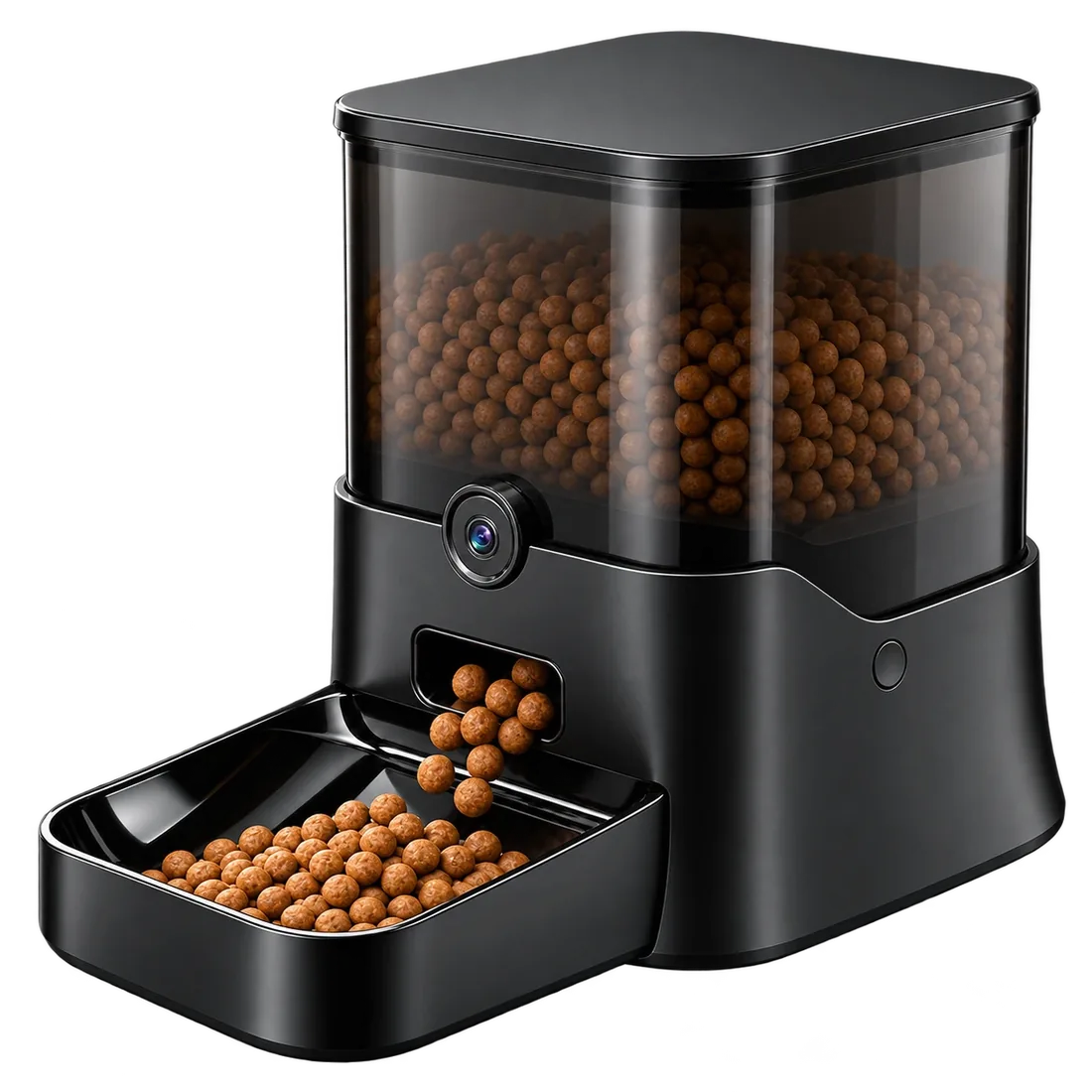 Ranger · 11L · $399An 11L sealed tank and a backup battery port for power cuts.→
Browse all pet feeders with camera, or compare all four feeders side by side.