The quick answer
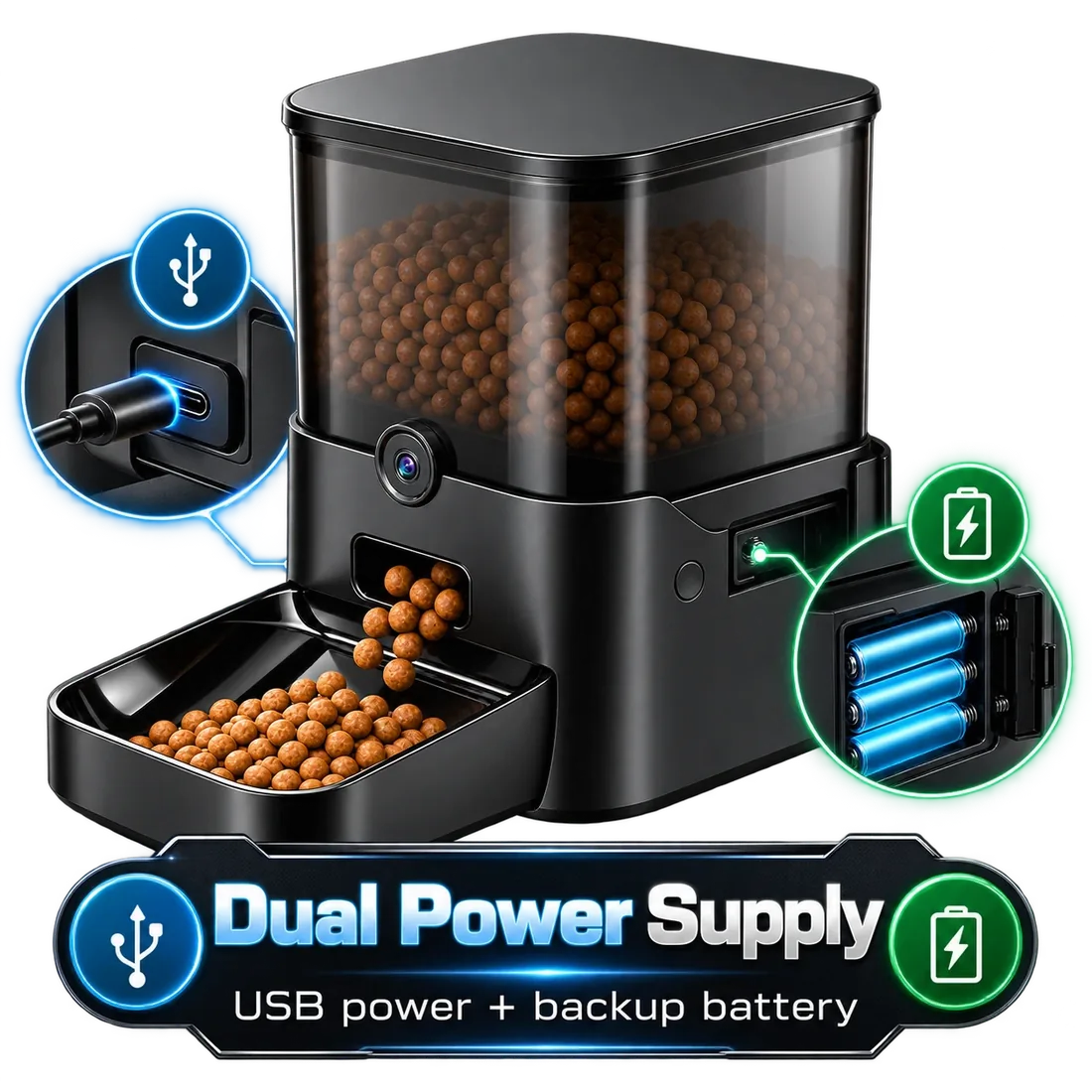
In a power cut, a feeder only keeps dispensing if it has a battery backup installed. Twin and Titan take 3 D batteries and Ranger has a backup battery port (batteries not included); on battery they keep feeding, but the camera and app pause. Keeper runs on its adapter only. Test any feeder with the router or power off before you rely on it.
What happens in a power cut
An automatic feeder needs power to turn its dispenser. Without a battery backup, it simply stops until the power comes back, and any meals in between are missed.
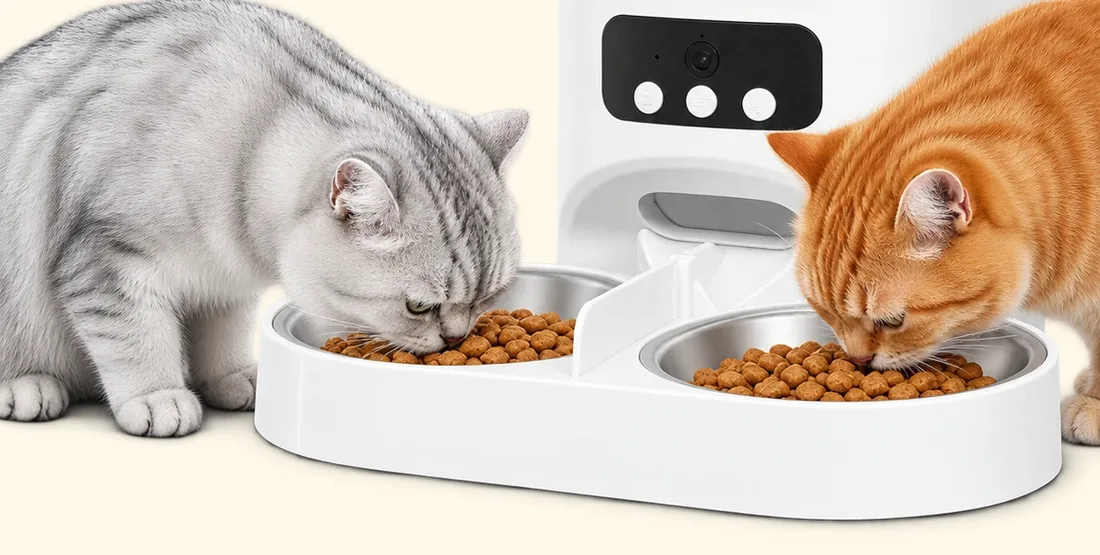
With batteries installed, Parveja Twin and Titan keep feeding on schedule during a power cut, and so does Ranger with a battery in its backup port. Batteries aren’t included, so put them in when you set the feeder up, not when the lights go out.
What stops working on battery
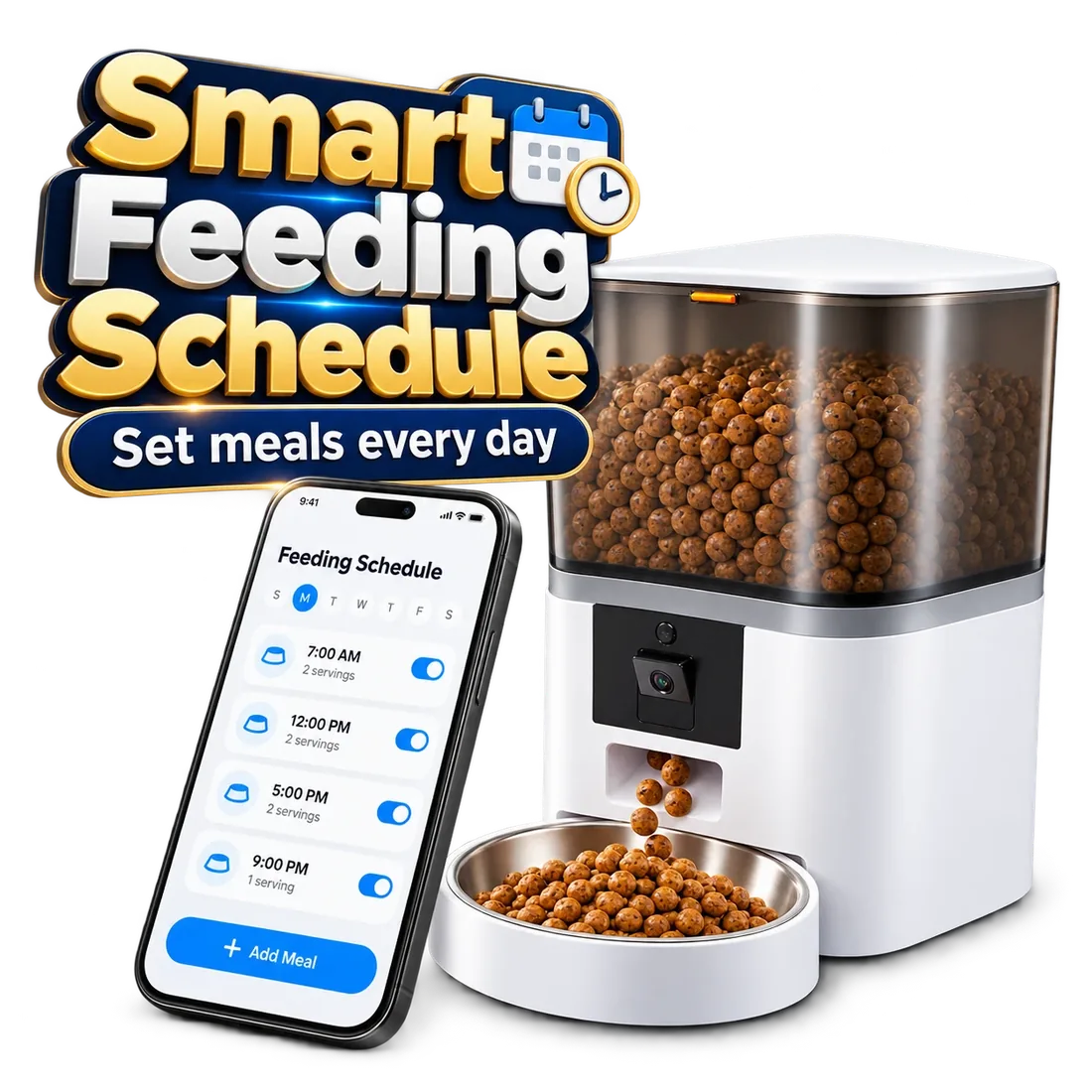
Battery mode is for meals only. The camera, live video and app control need plug-in power and Wi-Fi, so you won’t be able to watch or change the schedule until the power returns. Plan meals so the schedule you set beforehand is the one you want during an outage.
What happens if only the Wi-Fi goes down
When the router is down, anything that needs the internet pauses: live video, alerts, remote Feed now and schedule changes from your phone. Whether scheduled meals continue depends on the feeder keeping its schedule on the device itself.
Don’t guess: test it. Set a small meal for a few minutes from now, switch off your router, and watch whether the feeder dispenses. If it doesn’t, arrange a person to check in while you’re away.
How to test your feeder before you rely on it
A five-minute test now saves a missed dinner later:
- Install fresh backup batteries if your model supports them.
- Schedule a small test meal a few minutes ahead.
- Unplug the feeder (or switch off the router) and wait for the meal.
- Check that the right portion landed in the bowl.
- Plug back in and confirm the app reconnects and shows your schedule.
Make outages less of a risk
Good habits that help:
- Replace backup batteries on a regular routine, for example when the clocks change.
- Place the feeder where it gets a strong Wi-Fi signal; Ranger needs a 2.4GHz network, Twin and Titan also work on 5GHz.
- Keep fresh water available in more than one bowl.
- When you travel, always have someone who can check in and feed by hand if needed.
Backup power by model
| Feeder | Main power | Backup | On battery |
|---|---|---|---|
| Twin | Adapter | 3 × D batteries (not included) | Keeps feeding; camera and app pause |
| Keeper | AC adapter | None | Stops until power returns |
| Ranger | 5V USB adapter | Backup battery port (battery sold separately) | Feeding only; camera and app pause |
| Titan | USB power | 3 × D batteries (not included) | Keeps feeding; camera and app pause |
Which Parveja feeder fits?
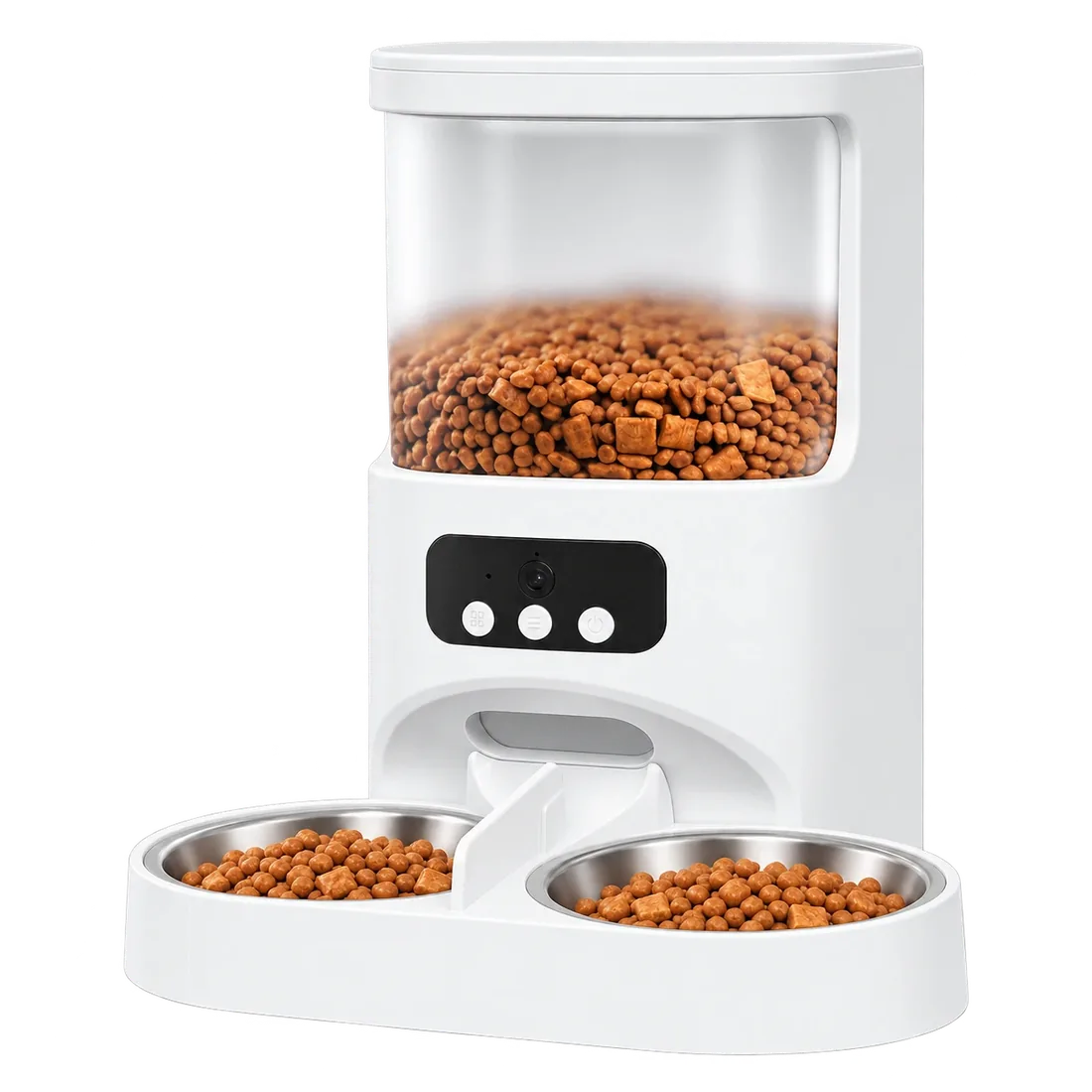 Twin · 4L · $199D-battery backup keeps two bowls fed in a power cut. $199.→
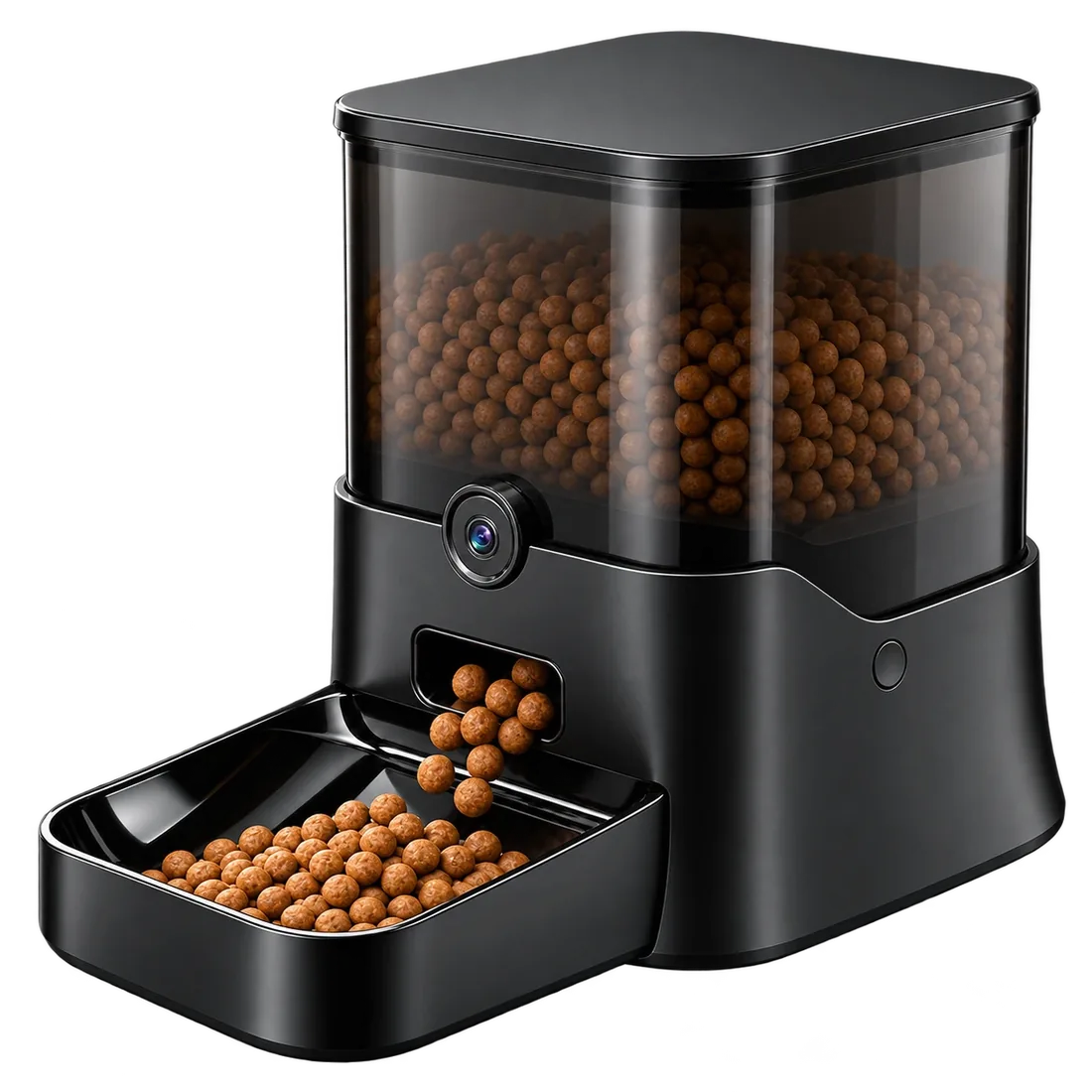 Ranger · 11L · $399Backup battery port and an 11L sealed tank. $399.→
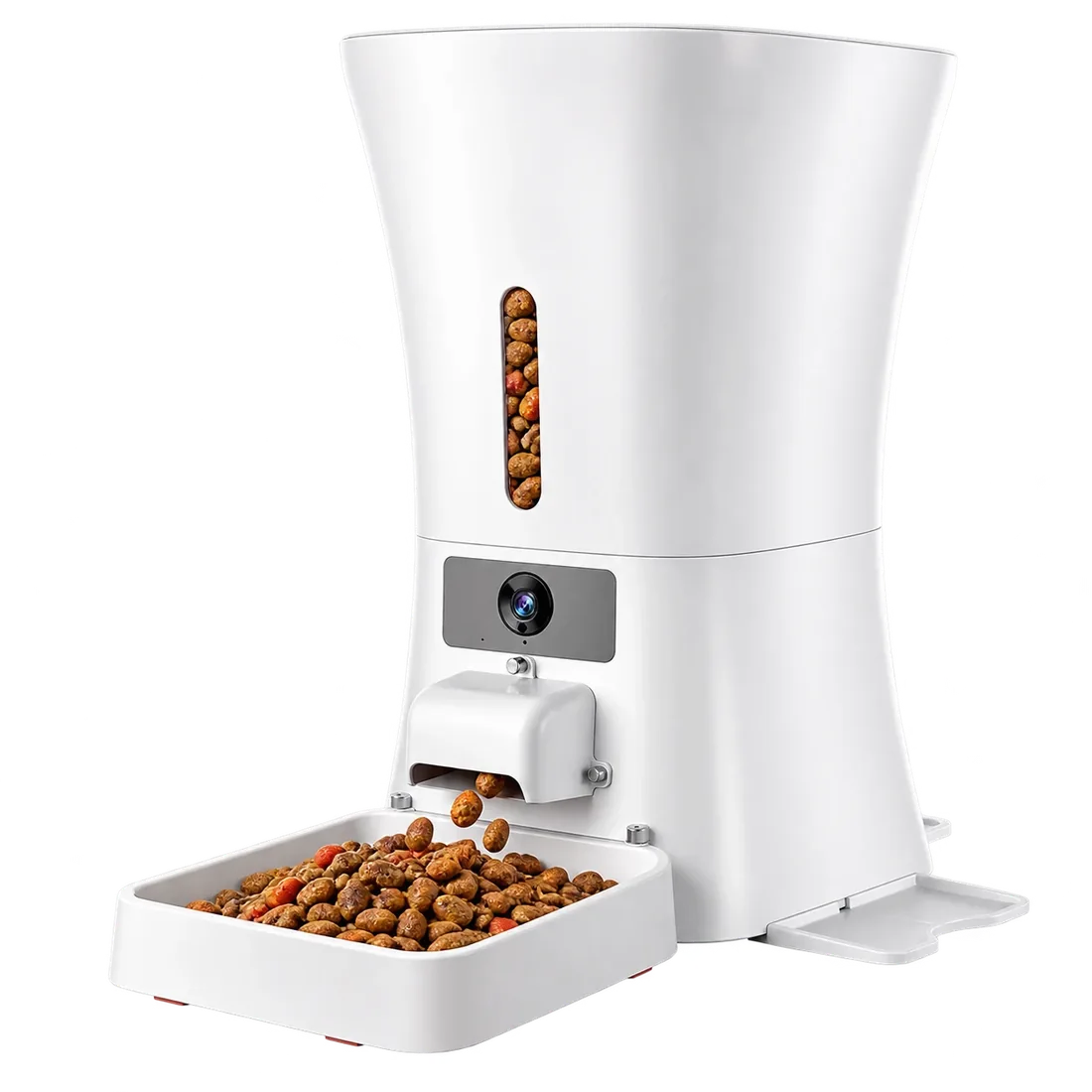 Titan · 12L · $44912L with a D-battery backup and low-food alerts. $449.→
Browse all large-capacity feeders, or compare all four feeders side by side.